JinxCasino Mobile: The Arcade in Your Pocket
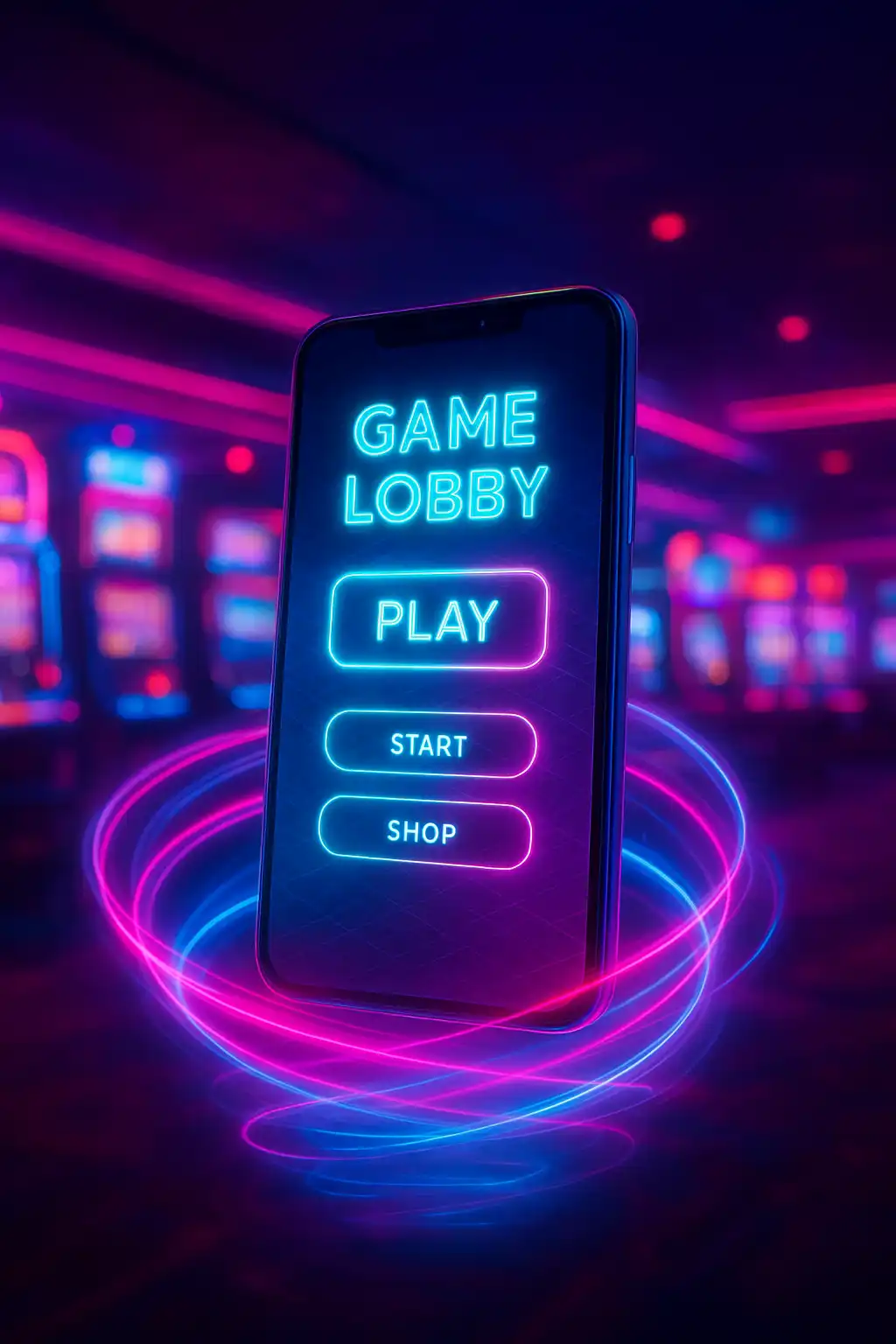
The neon arcade does not stay behind a desk. JinxCasino built its entire lobby, slots, crash, roulette and the cashier, to run at full speed inside a mobile browser, so the cabinet floor travels in a pocket. There is no separate download required to start playing; a bookmark or a home screen shortcut is enough to keep the arcade one tap away.
No Native App, and Why That’s a Good Thing
Rather than push a native APK or App Store download that needs manual updates and eats storage space, JinxCasino runs on a progressive web app built with HTML5. This approach sidesteps app store review delays entirely, meaning new cabinets and features roll out the moment they are ready rather than waiting on a store approval cycle. It also means the experience works identically whether the device runs iOS, Android or a lesser-known mobile operating system, since everything renders through the browser engine already installed on the phone.
Adding JinxCasino to the Home Screen
Getting a one-tap icon on a phone’s home screen takes under a minute on either major platform.
| Step | iOS (Safari) | Android (Chrome) |
|---|---|---|
| 1 | Open jinxcasino.online in Safari | Open jinxcasino.online in Chrome |
| 2 | Tap the Share icon | Tap the three-dot menu |
| 3 | Select “Add to Home Screen” | Select “Add to Home Screen” |
| 4 | Confirm the name and tap Add | Confirm and tap Add |
Once added, the icon launches the arcade in a full-screen view without browser address bars cluttering the display, close to the feel of a dedicated app without any of the storage overhead.
What Runs Smoothly on Mobile
Every cabinet in the slot hall, the live crash multiplier feed and the roulette tables all reflow automatically for a smaller screen. Portrait orientation stacks the reels above a swipeable paytable panel, while rotating to landscape stretches the game to fill the width of the screen for a more authentic cabinet feel. Live dealer roulette streams at a reduced bitrate on mobile data to avoid buffering, stepping up in quality automatically once a stronger Wi-Fi signal is detected.
- Slots: full HTML5 reels, autoplay panel and bonus buy menu all fit within thumb reach.
- Crash: the multiplier graph resizes to fit a portrait screen without losing the cash-out button’s tap target.
- Roulette: the betting grid becomes a horizontally scrollable strip so number and outside bets stay reachable with one hand.
- Cashier: deposits and withdrawals run through the same payment providers as desktop, with saved payment methods for faster repeat top-ups.
Mobile Performance and Data Use
The mobile build strips unnecessary assets on first load and caches static elements like UI icons and background textures locally, so a second visit loads noticeably faster than the first. Average data use during a typical slot session sits well under what a few minutes of video streaming would consume, which matters for players on limited mobile data plans. A dedicated low-data mode in account settings reduces animation quality further for anyone gaming on a slower connection.
Push Notifications and Session Reminders
Players who add the arcade to their home screen can opt into browser push notifications for promotional drops, cashback credits and reload bonus reminders. These notifications are entirely optional and can be disabled from the browser’s own site settings at any time, giving full control over how much the arcade reaches out between sessions.
Mobile Account Security
Logging in on mobile supports the same two-factor authentication available on desktop, and biometric unlock, fingerprint or face recognition, can be layered on top through the phone’s own browser credential manager for a faster, still secure, return to an open session. Withdrawal requests trigger the same verification checks regardless of device, so switching between a laptop and a phone mid-session never weakens account protection.
Troubleshooting Common Mobile Issues
A slow-loading cabinet on mobile is almost always a connectivity issue rather than a fault with the game itself. Clearing the browser cache, switching from mobile data to Wi-Fi, or disabling a VPN that may be routing traffic through a distant server usually resolves lag within seconds. Older devices running outdated browser versions may render neon glow effects with reduced detail; updating the browser app itself typically restores full visual fidelity without needing to touch any casino-side setting. For anything that persists beyond a refresh, live chat support is reachable directly from the mobile lobby’s help icon around the clock.